
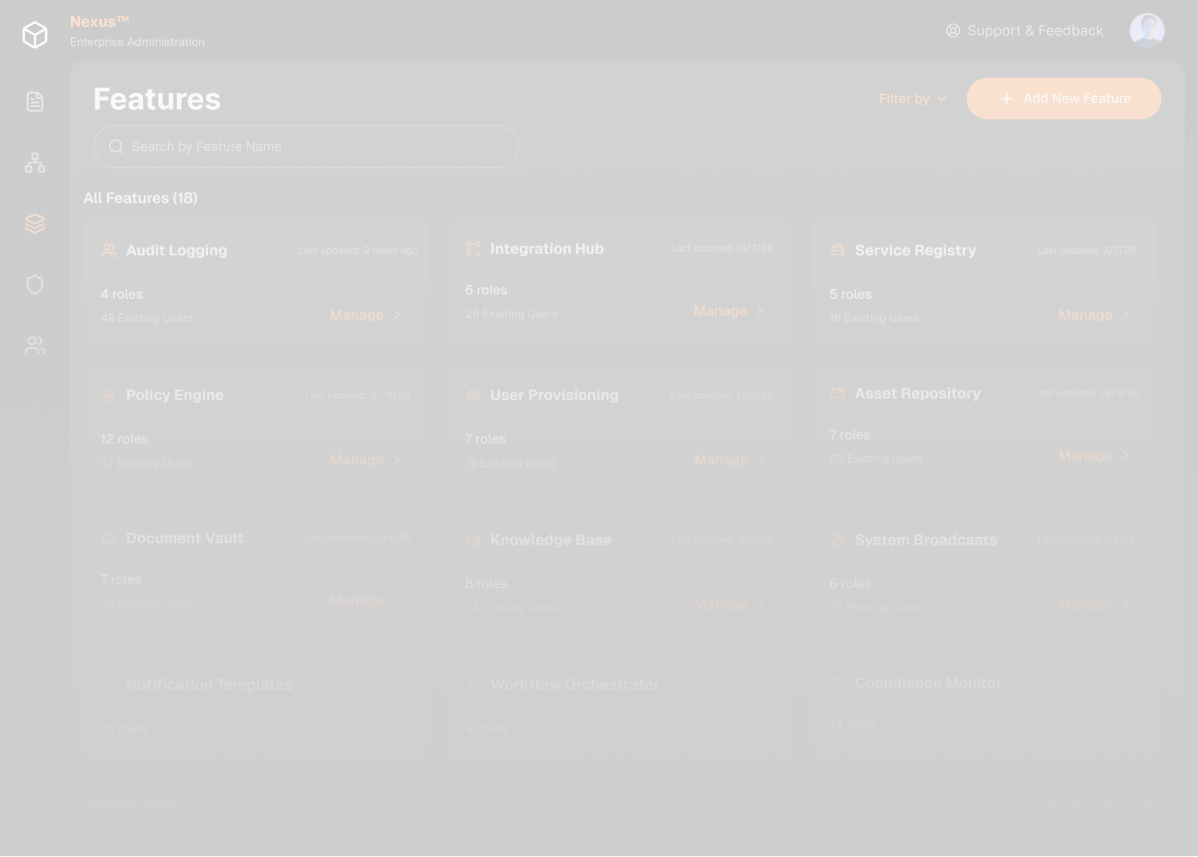

Self-serve feature and role management inside Nexus’s Admin Console

Every change to the platform’s features & user roles needed a developer
Nexus is built from features. Each feature has roles, which are levels of access: a viewer can only read logs, an editor can change them. RBAC (role-based access control) is the system that stores those roles
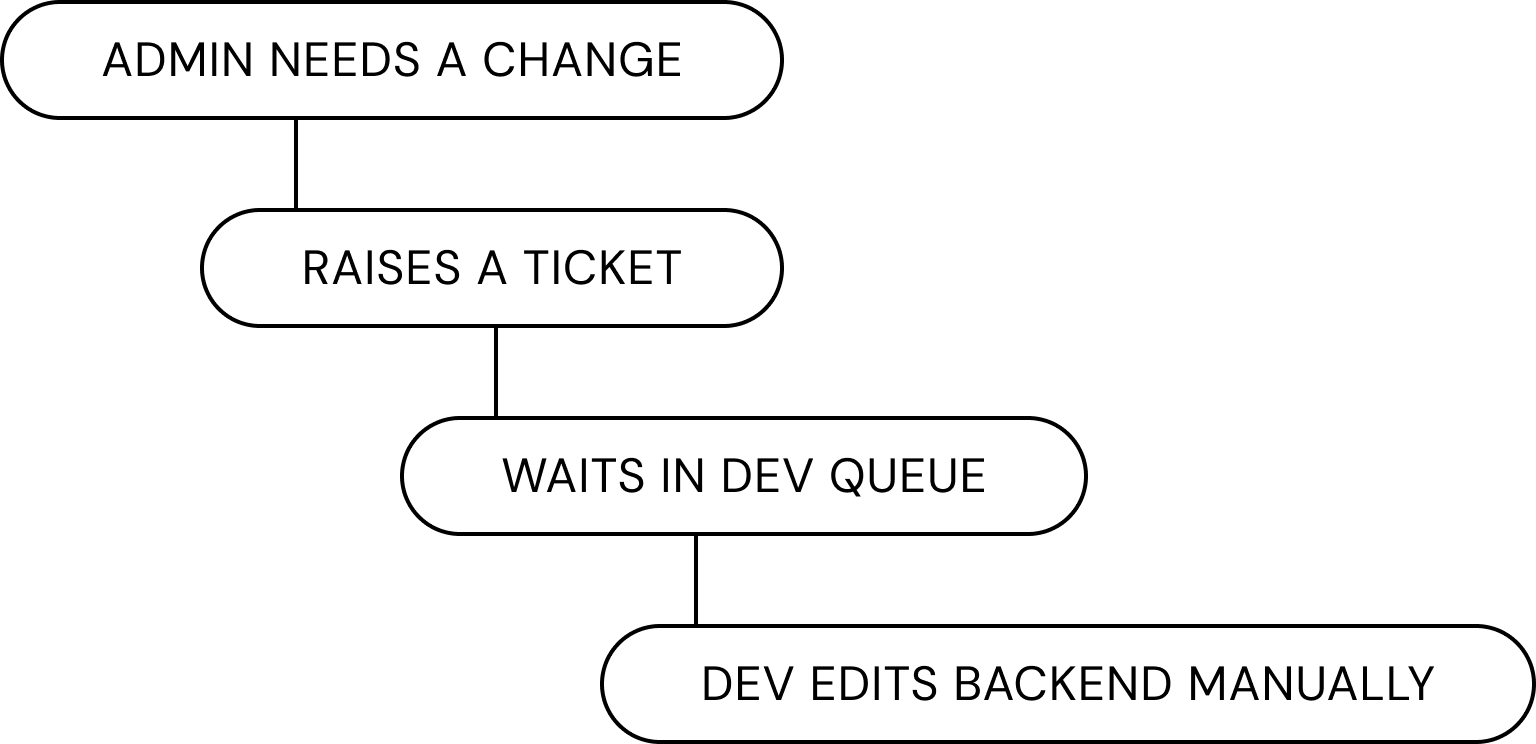
- Admins waited
- Developers got interrupted
- More features = more tickets, it didn’t scale
How might we let admins manage features & roles on their own, with no developer in the loop?
Feature Directory
A tab in Nexus’s Admin Console where admins add, rename and delete features and roles themselves, built to take the ticket and the developer out of routine changes

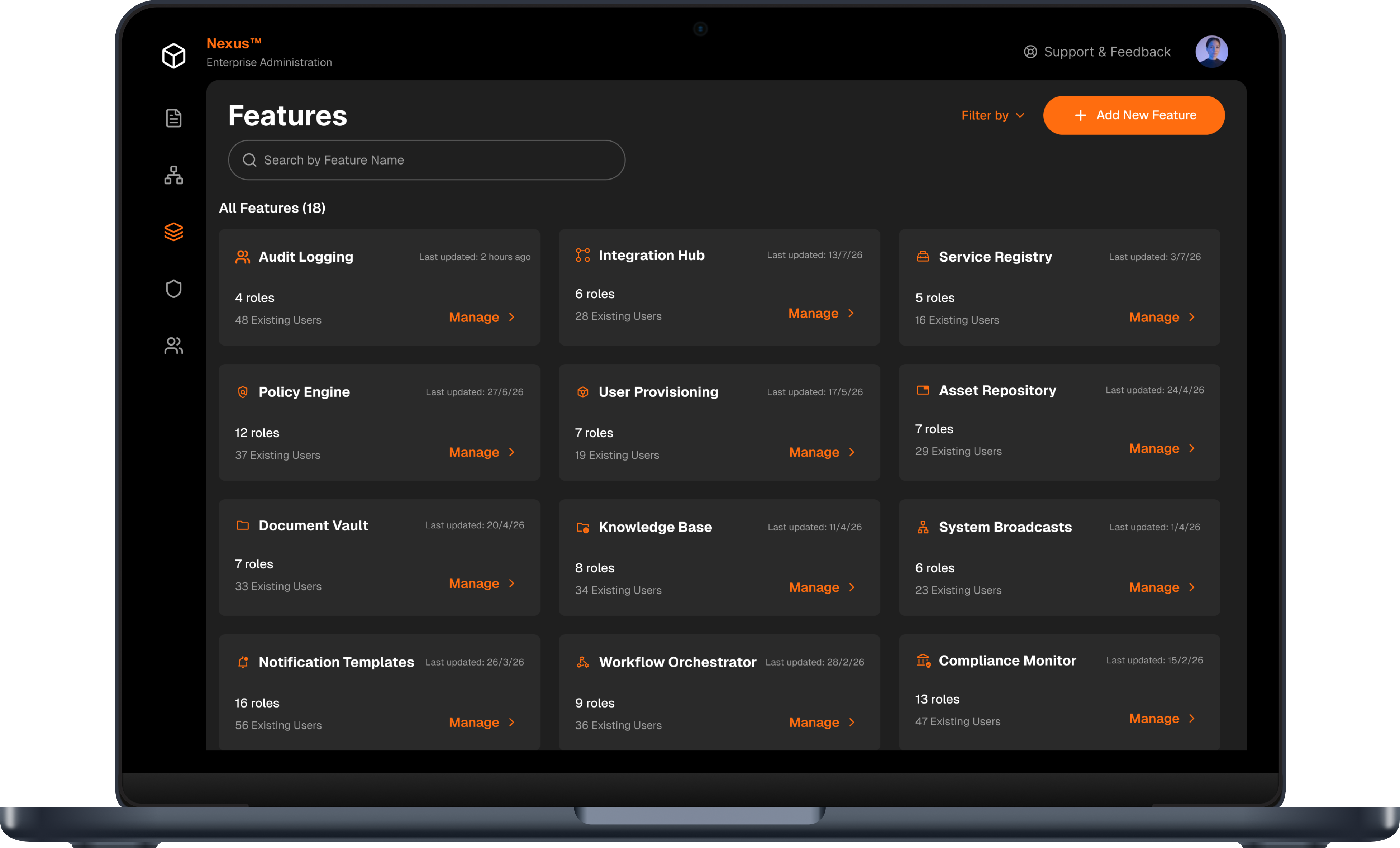
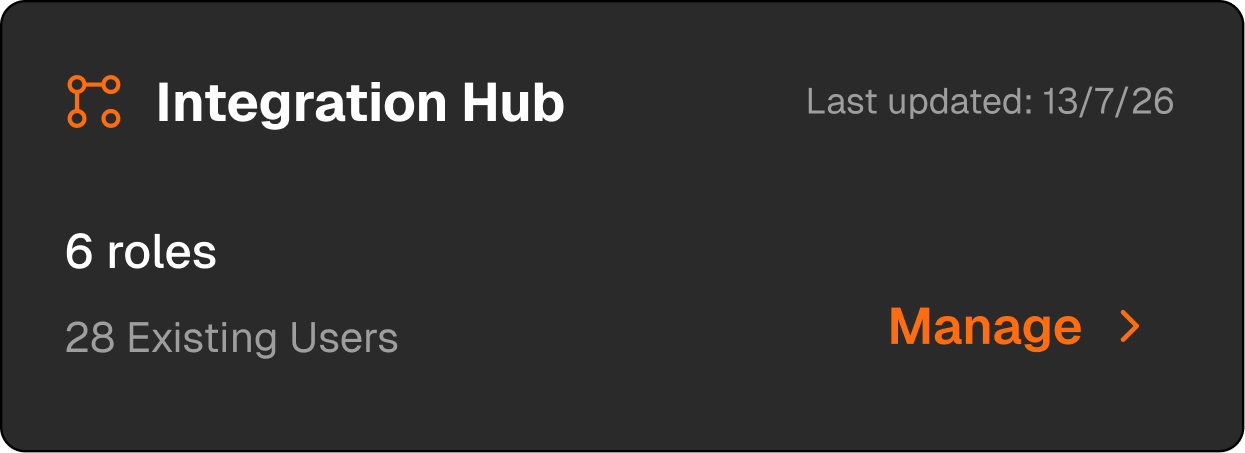
Create
Add a feature, with new or existing roles
Manage
Adding roles, renaming, deleting
The conceptual mental model
Create a feature
name it
Assign roles
pick existing ones or create new ones, then add approvers
Go live
review, confirm, done
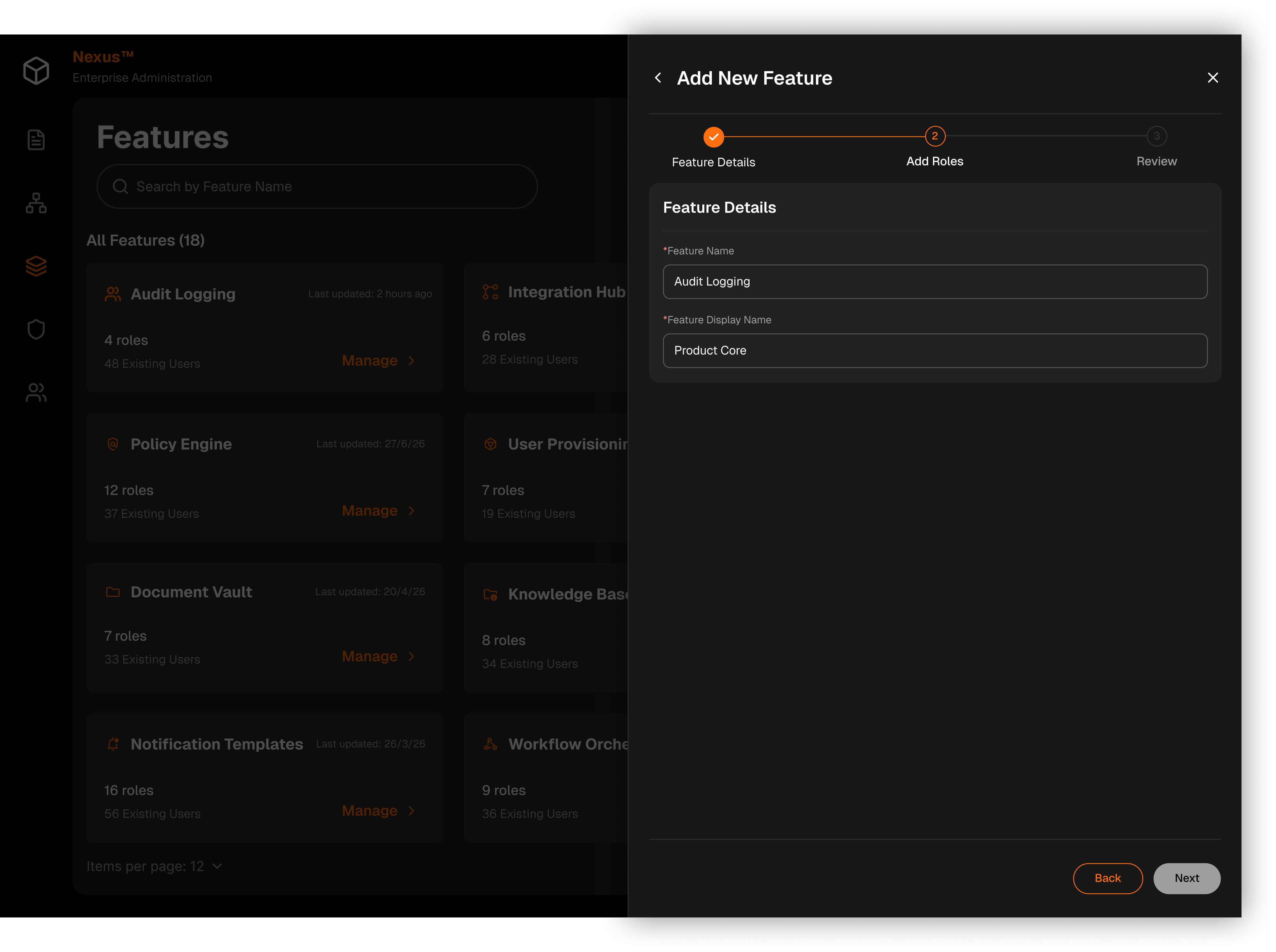
Create a feature
Add names: one the system uses, one admins see
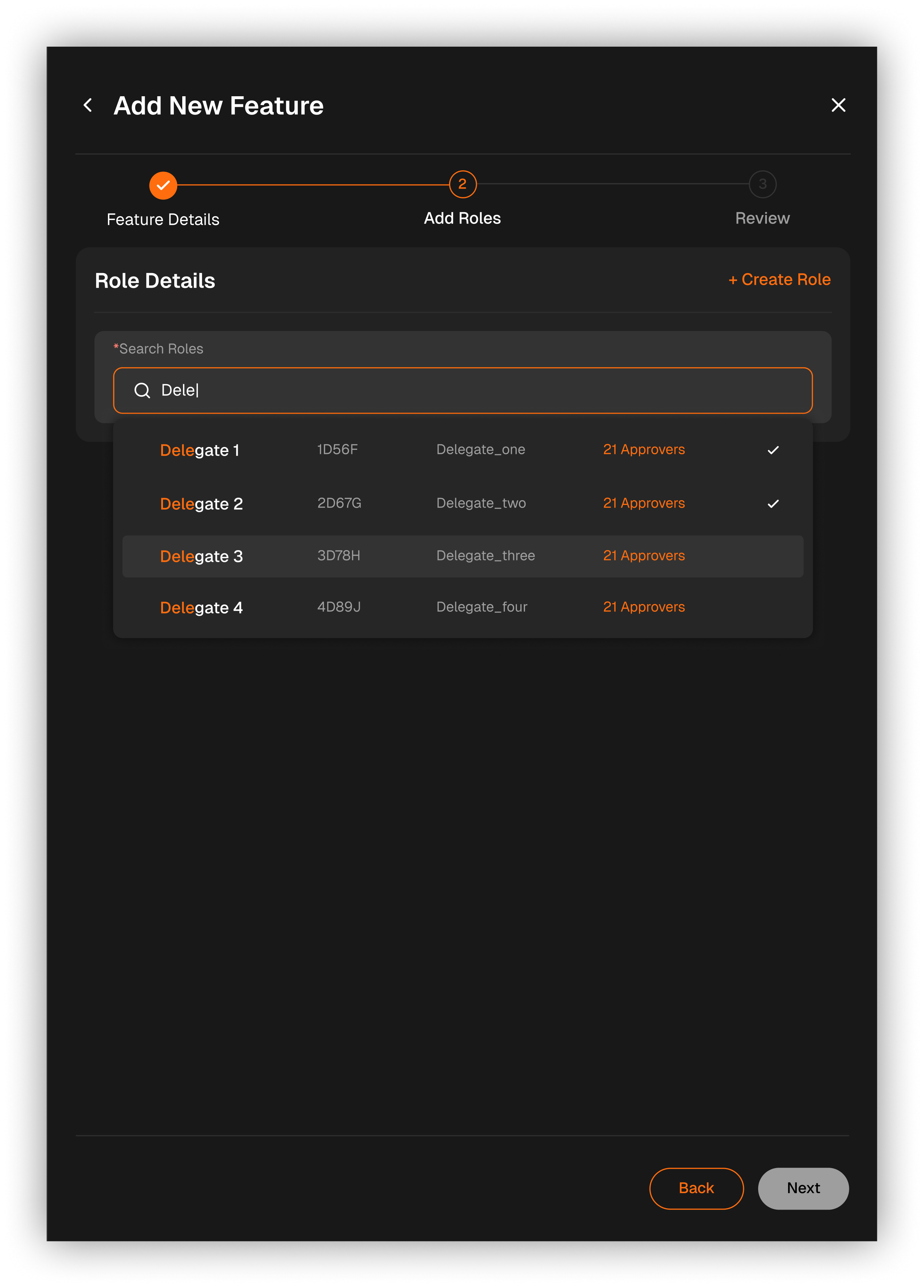
Add roles from RBAC
Search to attach roles that already exist - existing roles are fetched
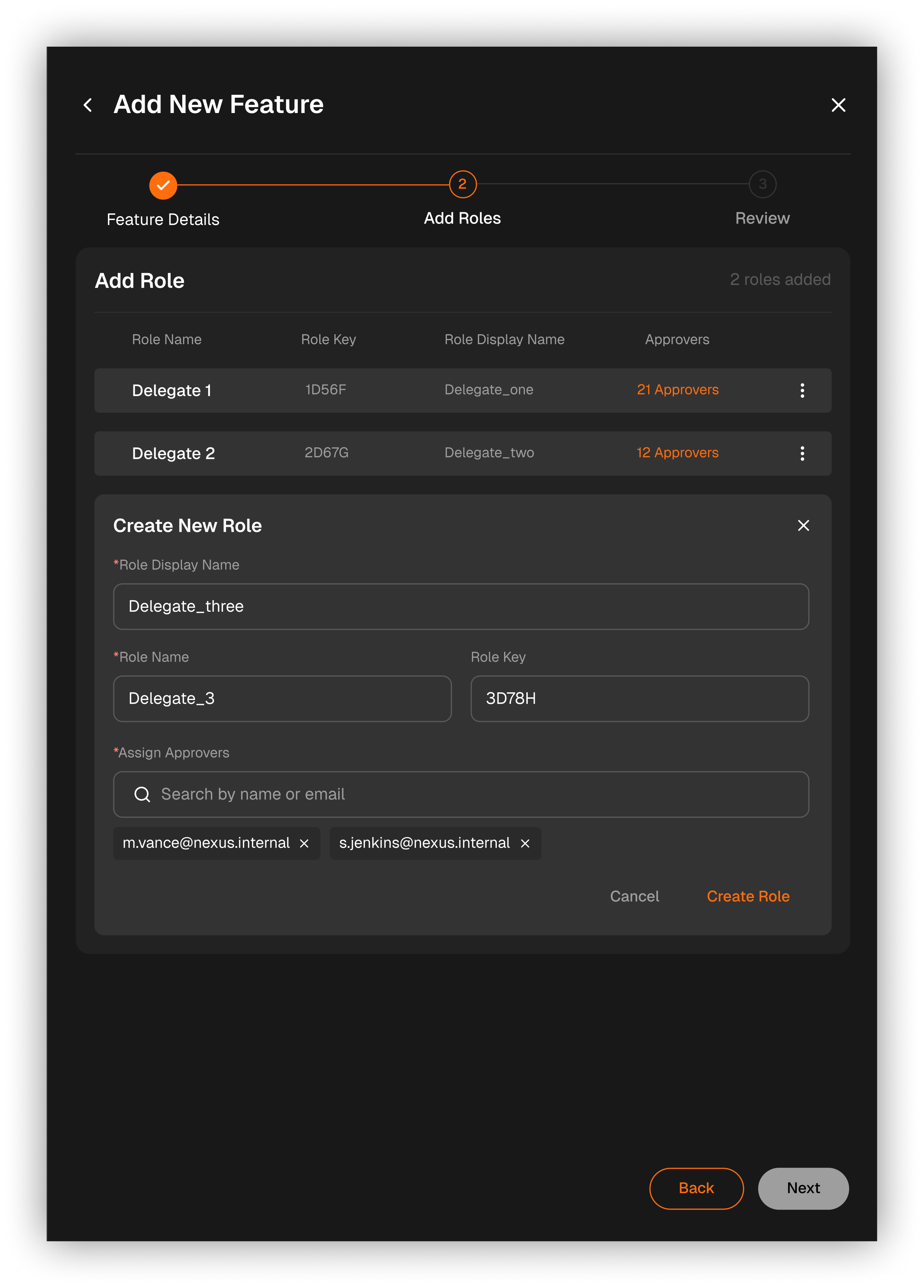
Or create new roles
Search to attach roles that already exist - existing roles are fetched
Review
Check everything before it goes live
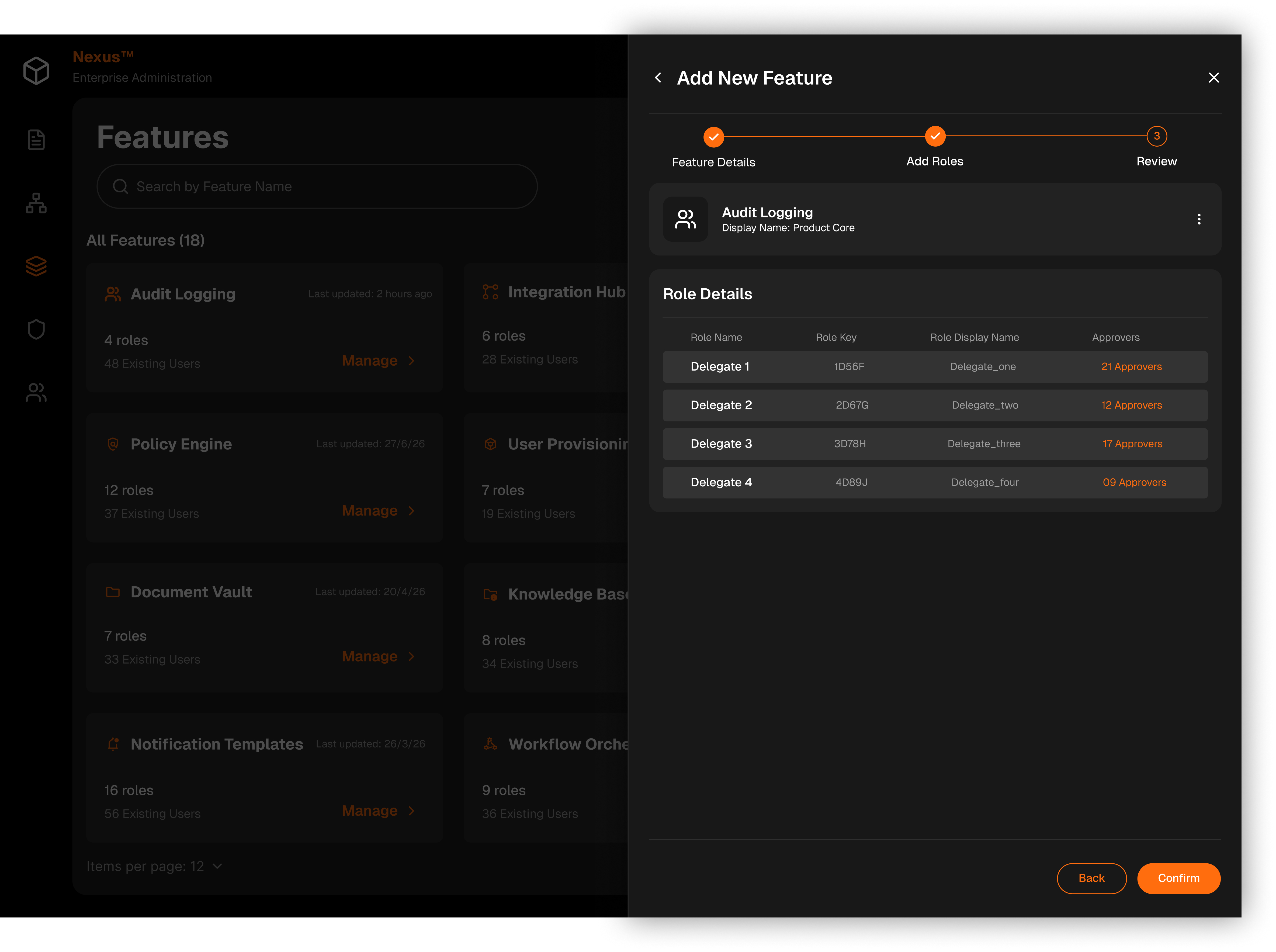
Manage feature
Add roles, rename or delete them - Deleting a feature also removes its roles, approvers and settings
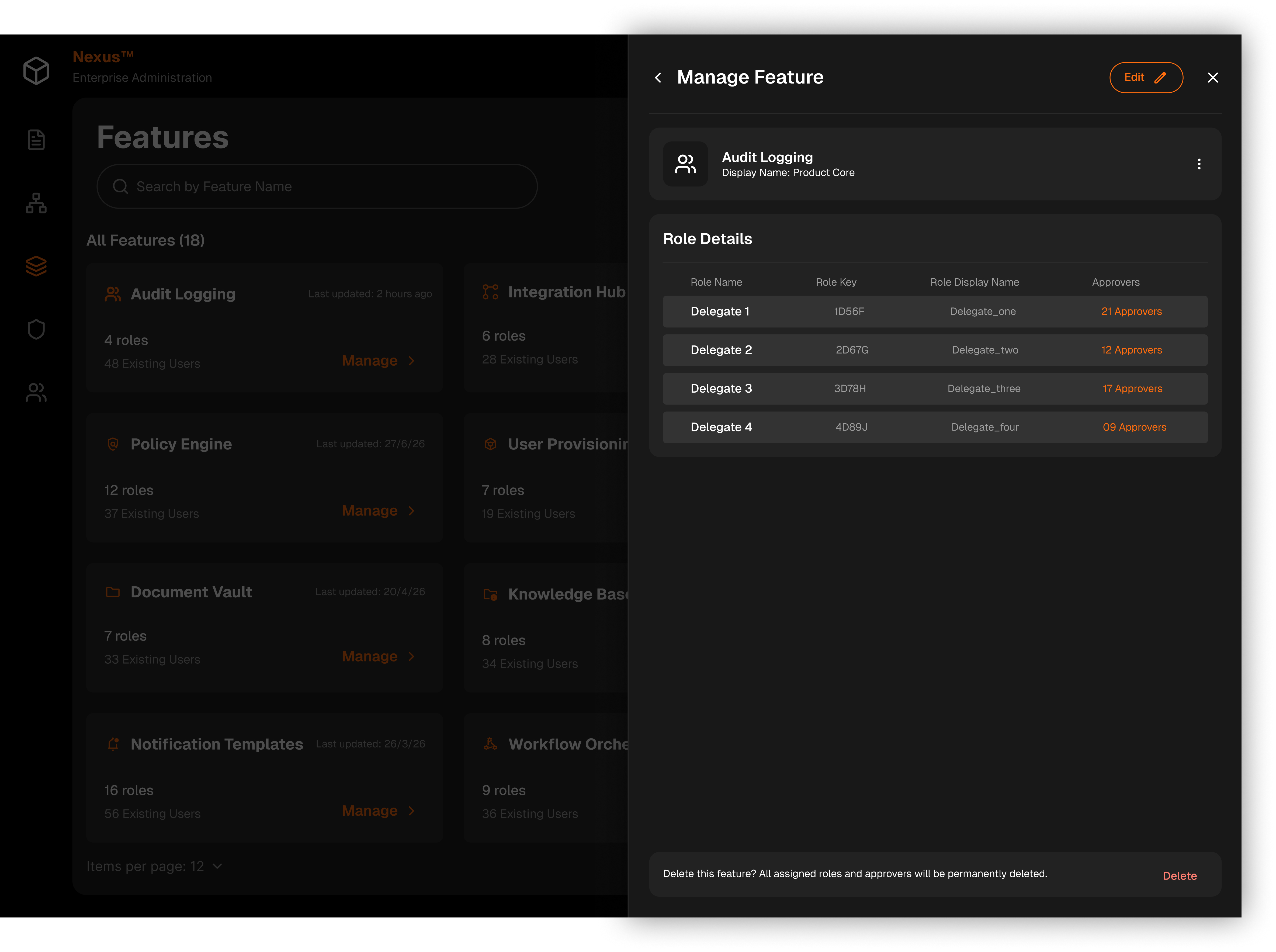
A long form added scroll, became difficult to navigate & overwhelming as more roles were created
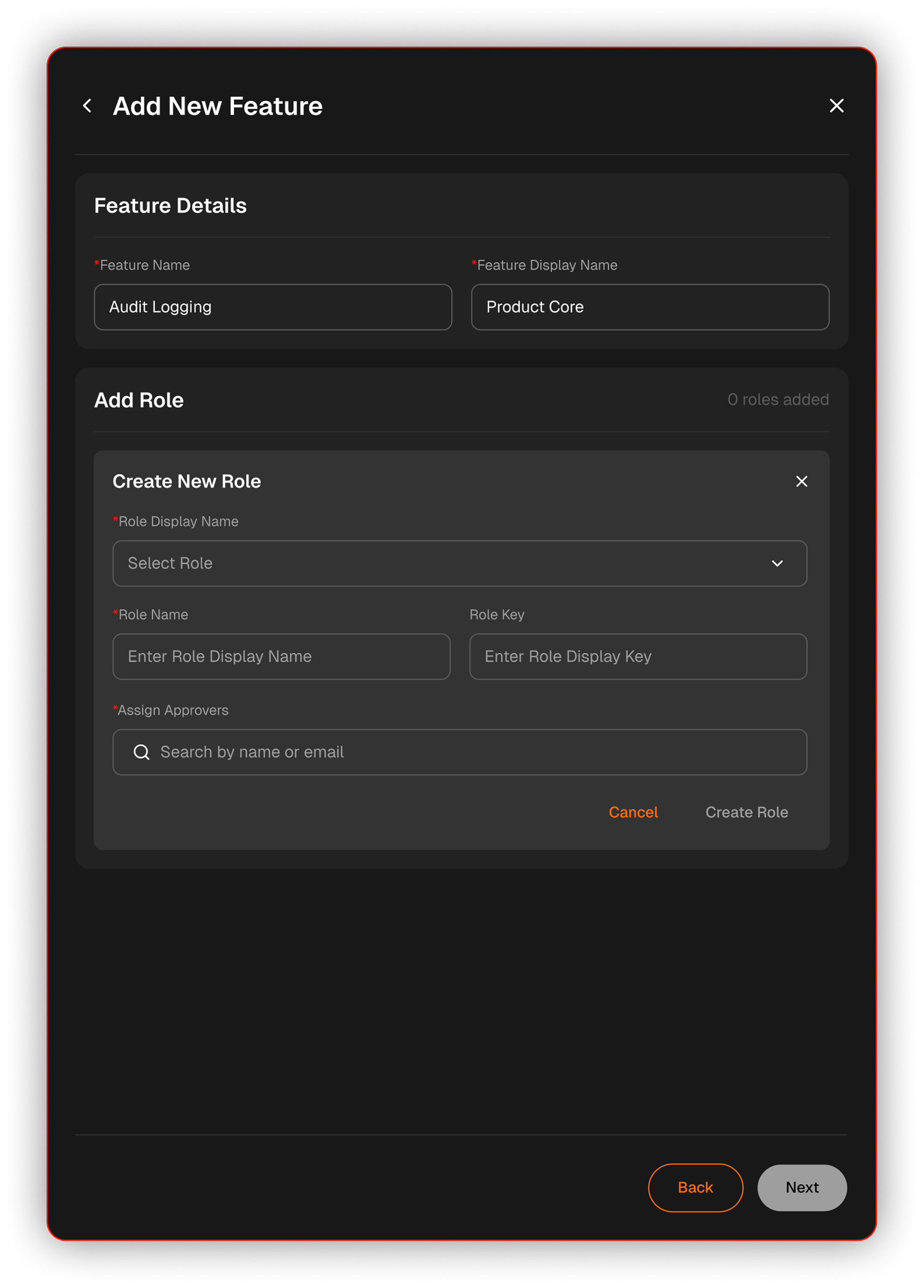
The intake was split into three steps so that each one asks for a single kind of thinking. A final review step was made mandatory, so everything gets checked once before it goes live.
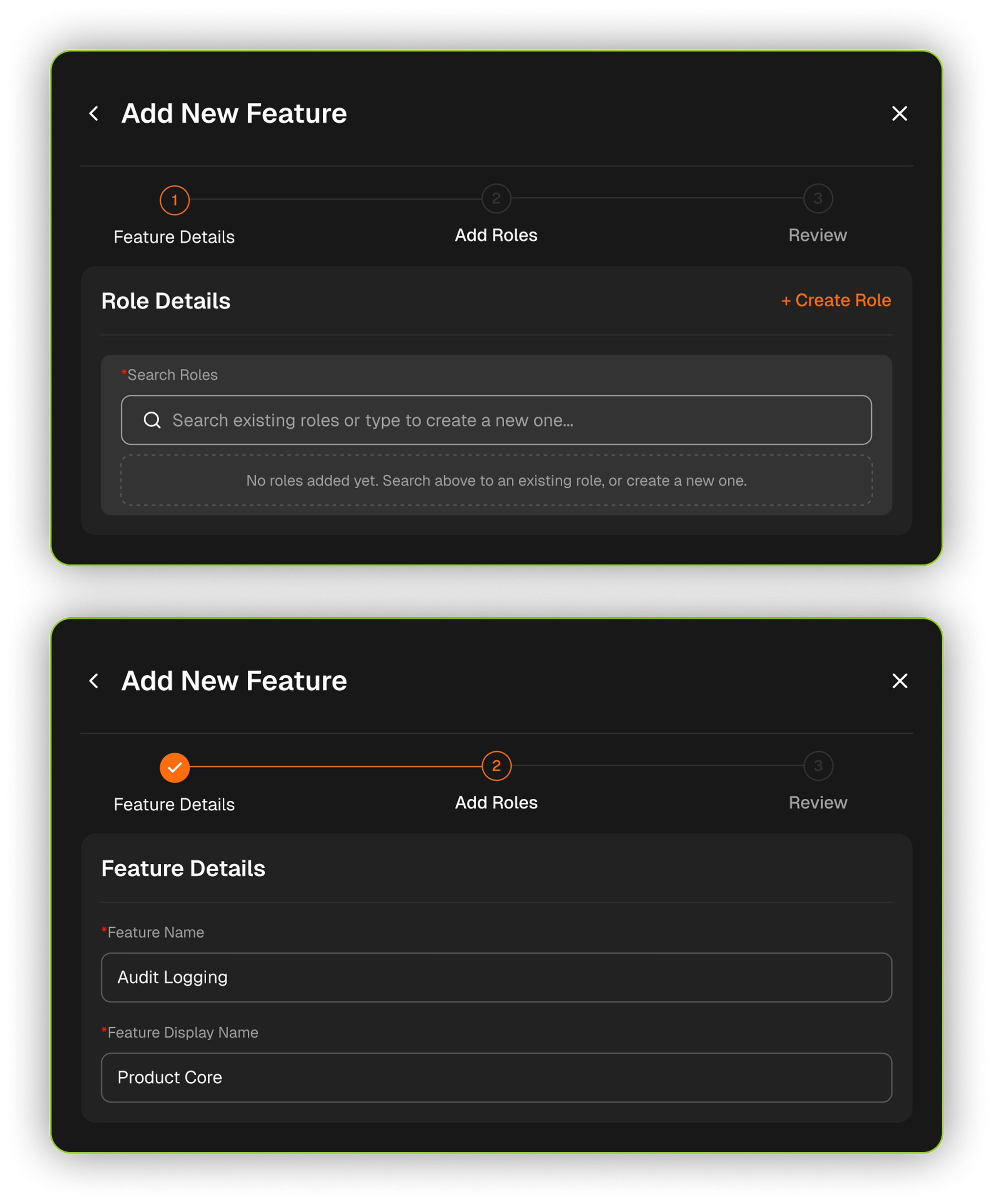
Delete & rename on every row added visual clutter & increased the chance of accidental deletion

Deletion was placed inside a 3-dot kebab menu, keeping the table clean while making deletion more intentional

A simple confirmation message did not communicate the impact of deleting a feature

An impact-focused modal was introduced to clearly show the affected users, roles, and permissions before deletion


Defending the UX with Intent
Standing up for user needs during handoff by defending the logic behind critical safeguards, while staying grounded in engineering feasibility.
Reaching mutual decisions with POs
Understanding the business pressures POs face helped us make mutual decisions that hit business goals without hurting the user experience.
 View
Case
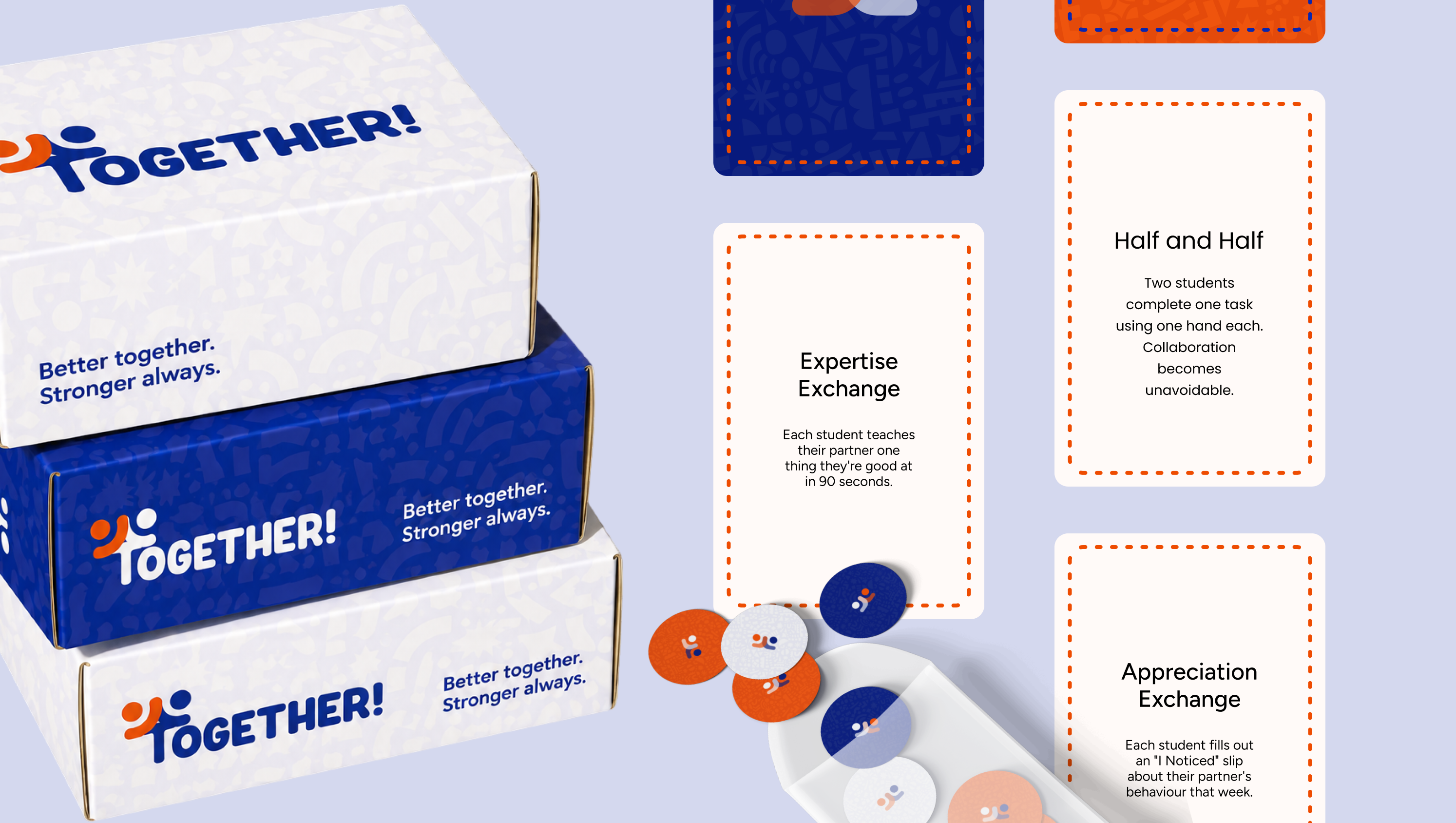
Nobody tells them where to sit. They already know. Across 59 participants, kids turned out not to be rejecting each other at all. They were avoiding the teasing.
 View
Case
A game where bad money decisions make your tower wobble. Of 23 teens and 7 parents interviewed, the teens could tell a want from a need. Taxes sounded like something for later.
 View
Case
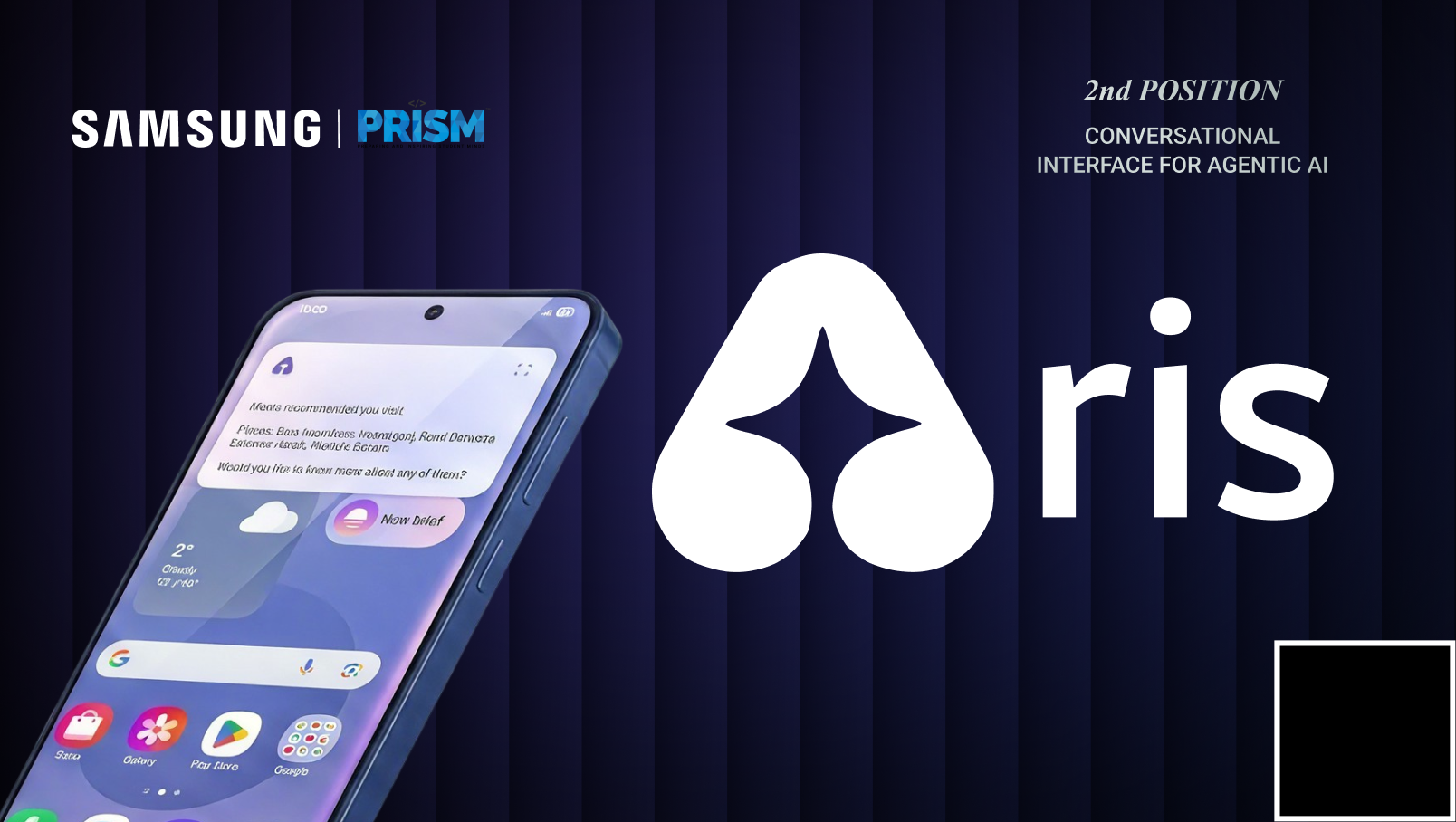
Sonia says “look for flights for this.” She never says where or when. Aris reads the group chat to work out what “this” means.